





What Are The Safest Browsers For 2022

In daily life, almost everyone has a preferred web browser. Although most browsers provide similar functionality, it’s important to remember that some are more secure and private than others. As a result, your safety when surfing the web depends on selecting a browser with the highest level of security for everyday usage.
What Defines A Safe Browser?
A secure browser is another way to prevent unauthorized parties from accessing your information and monitoring your online behavior.
Even if numerous well-known browsers offer comparable protections for your personal information and data, not all of them are simple to use.
Preventing The Collection Of Data By Unauthorized Parties.
A safe browser prohibits third-party trackers and storage in your browser. This prevents tech corporations from retaining your web search data.
Password Recording And Management.
A safe browser has a password manager that encrypts all sensitive data, including usernames and passwords.
Private Or Incognito Browsing.
Even though your data is deleted while using private browsing, your IP address and location are still being sent to every website, ad, and tracker you visit. A safe browser prohibits this.
Here Are Some Websites That Have The Definition Of A Safe Browser.
1. Chrome, The Leading Browser
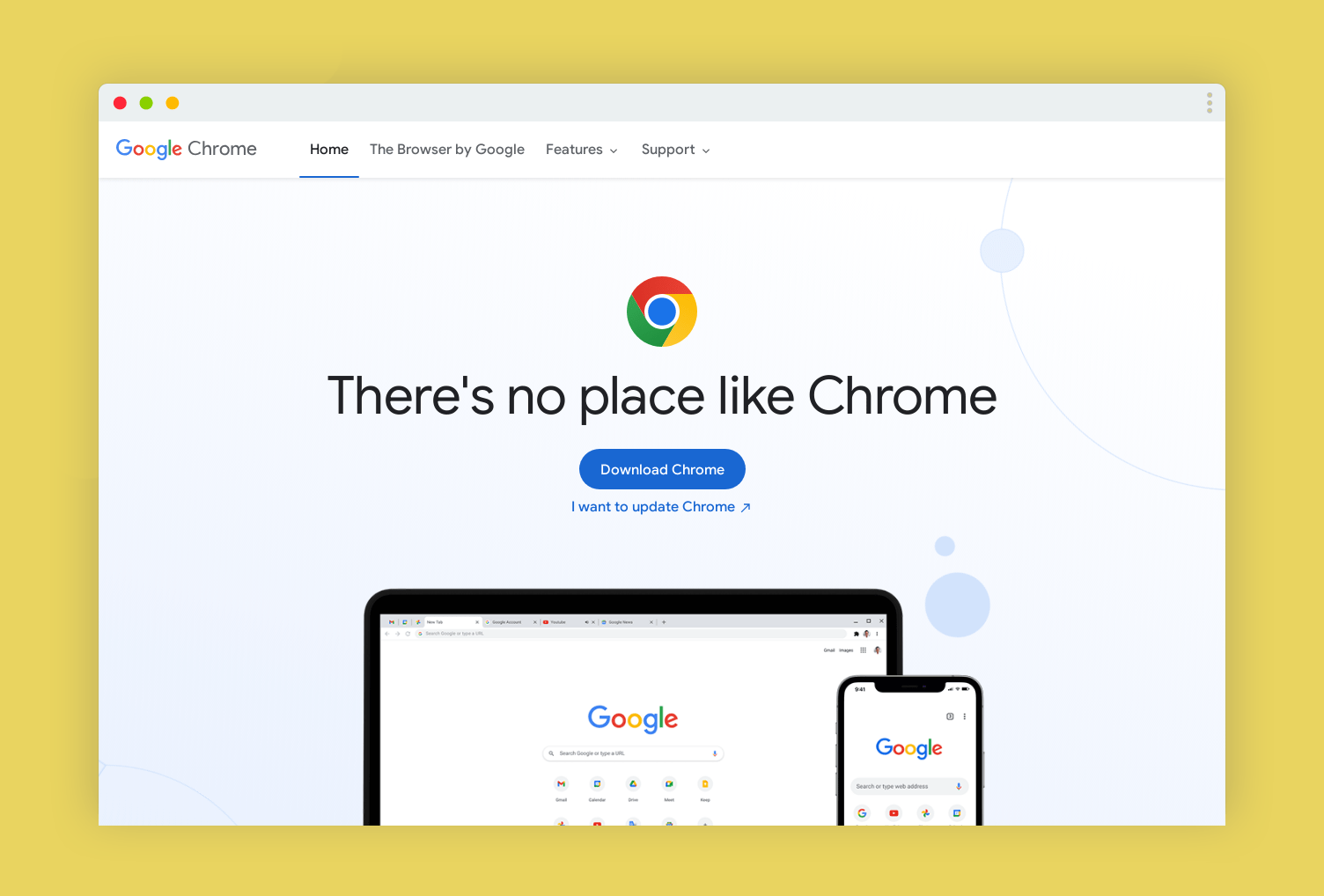
In terms of user engagement, Chrome is, by and away, the most popular browser. You may use its many safety and privacy features to keep your information and surfing sessions private.
Google Chrome allows you to do the following:
- You can ask websites to stop tracking your activity by not allowing certain websites, pop-ups, or scripts to run.
- Reduce or eliminate cookie usage, and If you’re going to a “hazardous” site or downloading an unsafe file, you should be warned about it.
- Find out if your saved passwords have been compromised and limit the access websites have to your data.
Google Chrome isn’t the most private browser, but it can be highly secure depending on your settings. To use it, you must sign in with your Google account. Google does collect and store a great deal of information about you, even if it doesn’t distribute this information to third parties.
Read also: Effective Ways To Track Your Employees’ Work
2. Edge, The Successor Of Internet Explorer
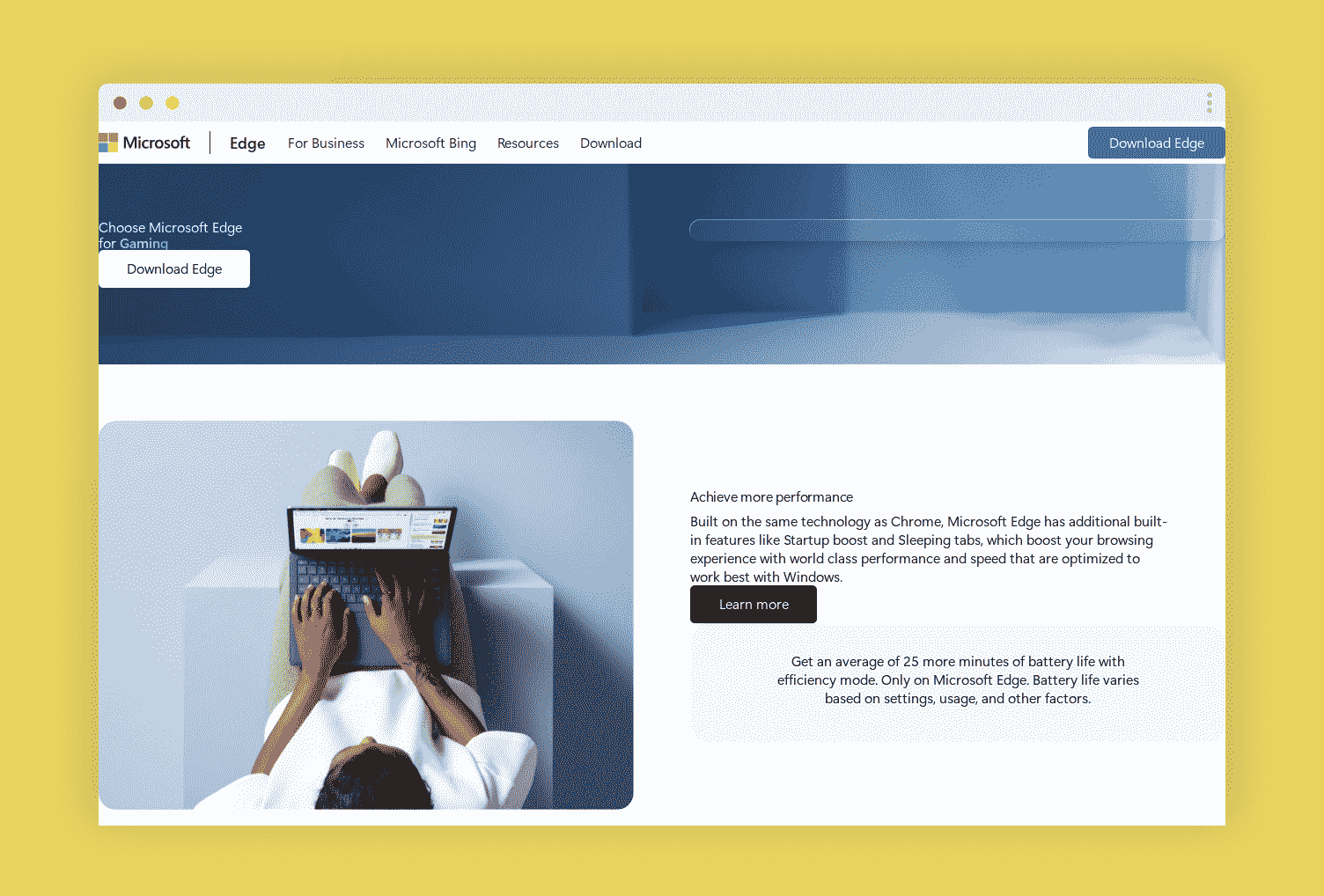
If you like Internet Explorer, you’d love Microsoft Edge. However, unlike its predecessor, this is not a browser you can immediately write off. Edge transitioned to Chromium in January 2020 and iis partially open-source. It releases security updates almost as often as Chrome.
Edge has many of the same safety features as Chrome, such as:
- Alternatives to tracing at various granularities and options to define what level of tracking prevention to use in the browser’s private mode.
- Reports on the trackers that it blocks across the web while disabling websites’ ability to access your saved payment information.
- Online safety from potentially harmful content (websites and downloaded files) is guaranteed automatically.
Tracking-blocking software. Microsoft Edge collects privacy data like Chrome and Safari. Since Edge shares users’ hardware identifiers with third parties, it may be less privacy-conscious than other browsers.
3. Brave, The Headturner-Newcomer Of Web Browsers
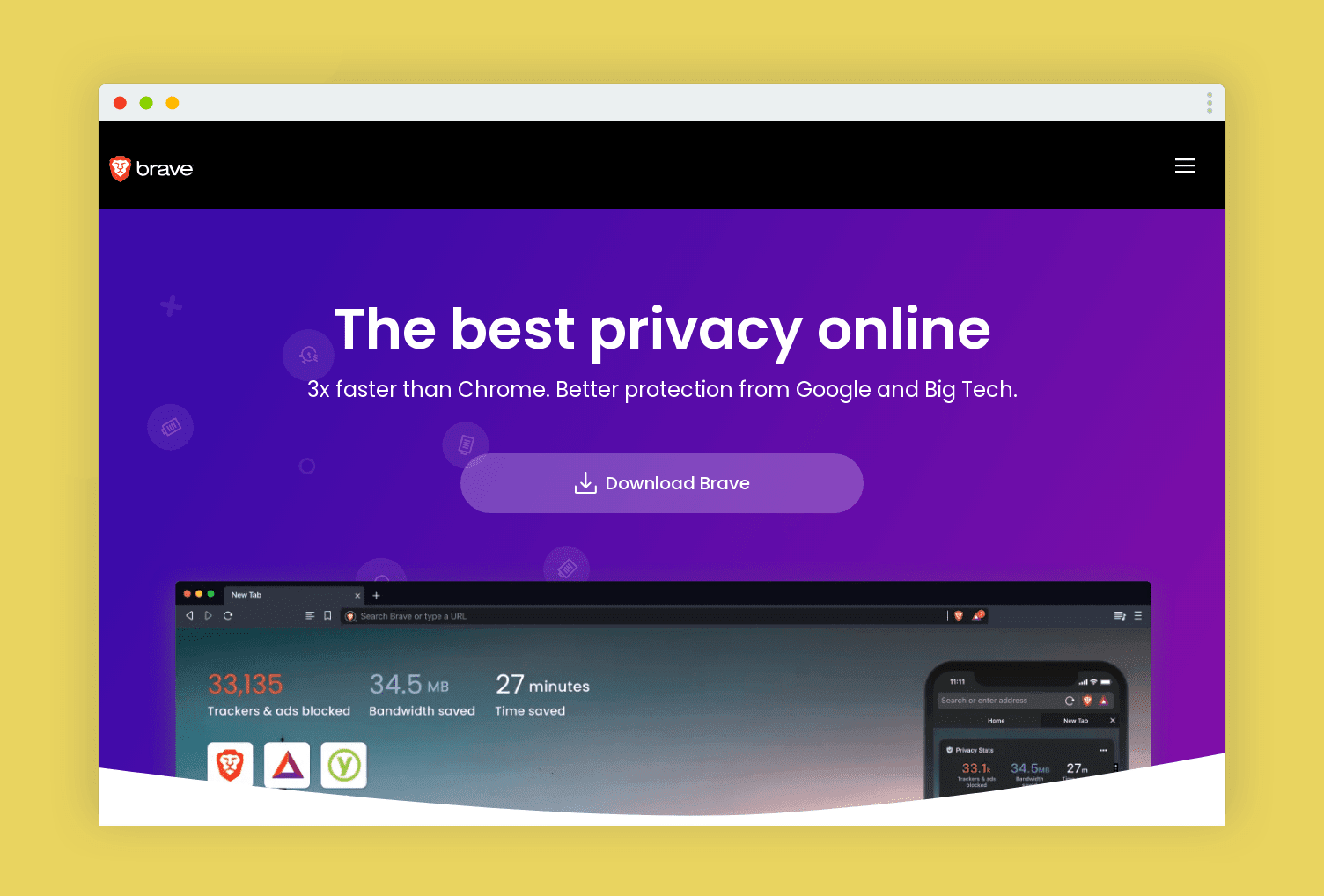
Brave is a browser industry newcomer. Even though it entered the market this year, its popularity pales compared to the more well-known alternatives. You can see that Brave has a paltry 0.05% market share of browsers in 2022.
Compared to other browsers, Brave takes security very seriously. Some of the features it offers are as follows:
- By default, it blocks any advertisements or tracking from third-party sites.
- Integrated protection against tracking by blocking cookies and scripts.
- A secure web browser with comparable functionality as the upcoming Tor browser using only secure HTTPS connections
What Makes Brave Stand Out?
Keep in mind that Chromium is the foundation of both Brave and Chromium. It’s concerning that information is being sent to Google’s servers despite the browser’s many privacies options.
In addition, you are still being tracked even when the Brave Browser turns off adverts by default but displays its advertisements. Although the program’s advertising and prizes can be turned off, Brave violates users’ privacy.
4. Tor, The Top-Tier Safe Browser
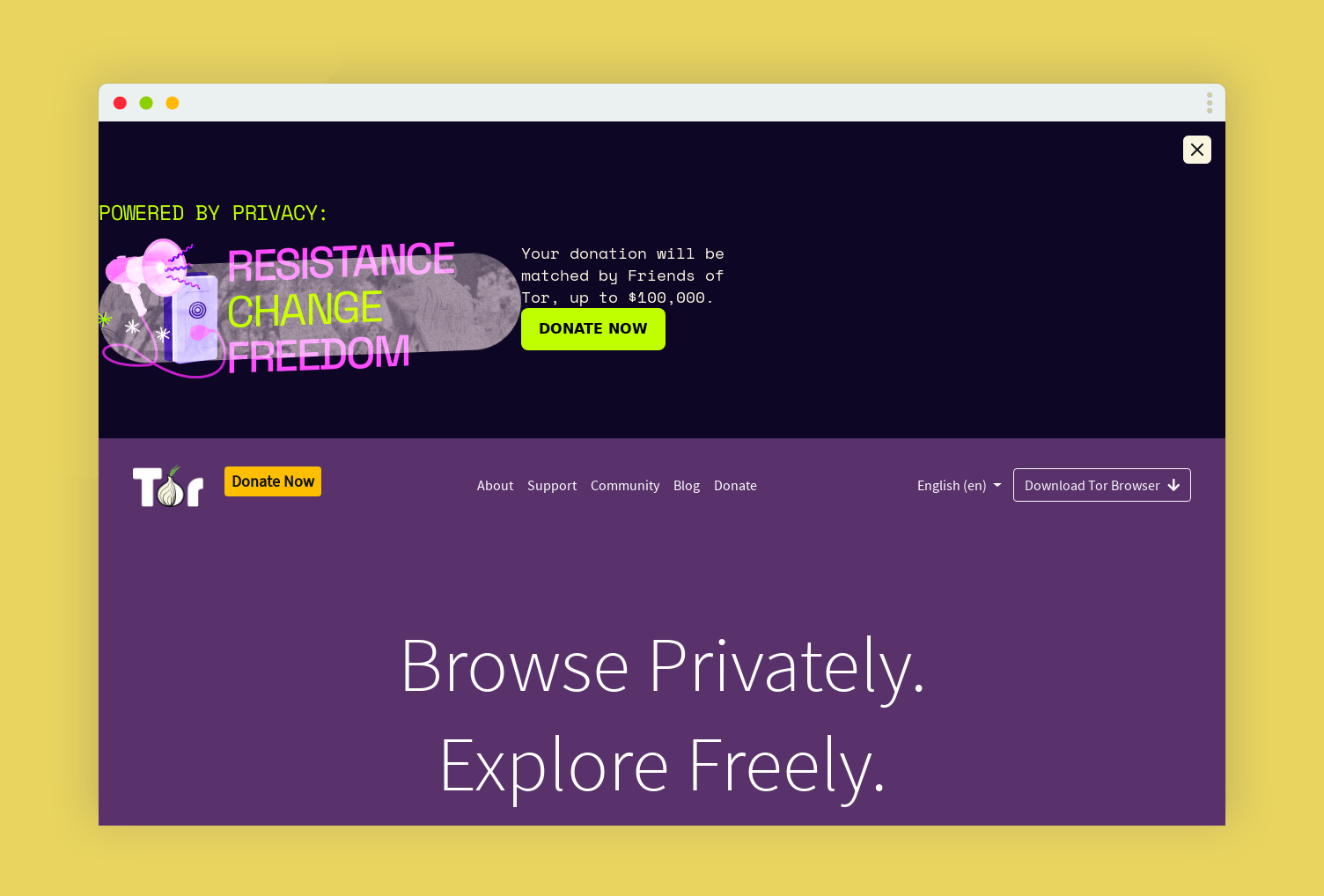
When discussing anonymous web browsing, the Tor Project must be mentioned (or Tor for short). On the inside, it’s a modified version of the Firefox browser explicitly made for the Tor network.
Considering all these factors, it becomes clear that Tor is the safest browser available. In addition, it takes extensive measures to safeguard your confidentiality.
That’s why Tor is so secure, but it also means it isn’t the most accessible browser to use (and it wasn’t meant to be).
Summary
In 2022, selecting a safe browser is a breeze. You can be sure that your data is not 100% private if you use a browser that is part of an ecosystem or established as new and safe.
Additional:
Tags:

Recent
Memory Chips Are Becoming More Important in the AI Era
Aug 06, 2026

Why Enterprise Web Applications Still Choose Angular for Long-Term Growth
Aug 04, 2026

Due Diligence Decoded: Why Careful Evaluation Still Wins in Business
Jul 11, 2026

How Hydraulic System Design Impacts Equipment Performance
Jul 01, 2026

Related Articles

Reimagining Equipment Design to Prevent Food Recalls
Where do recalls really start in food manufacturing? When recalls happen, customers lose trust, and operations suddenly stop. In most cases, the problem starts way before the product even gets close to a shelf. So what’s the culprit? Not always what you might expect. Sometimes it is the design of the equipment itself. Hidden Trouble in the Metal Of course, manufacturers follow the rules (at least they try). But some of these machines are too old, clunky, and are designed in a different era. Hence, you have surfaces that trap gunk, joints you need a contortionist to reach, and places where bacteria and contaminants exist. In addition to that, there is the Frankenstein setups, that is, equipment that has been tweaked and patched over the years. Hence, they do not always line up with today’s hygiene standards. Thereby, cleaning becomes a nightmare. You miss a spot and the risk goes up. Smarter Machines, Cleaner Outcomes Nowadays, things are constantly shifting. Finally, smarter equipment is stepping in (systems built with safety baked in and not bolted on after the fact). Think curved surfaces - sealed edges, and drainage that actually works. These are not merely good-looking features, but they are defense mechanisms against microbes and contamination. Thereby, it saves the equipment from the next recall. Apart from that, automation is helping too. Now, there are fewer hands on the product (human interaction) and more control. Also, it helps to make controls tighter. Hence, there are fewer chances for things to divert. Design Is Not Enough To be honest, effective design is not enough. You also need backup in the form of operational support and regular maintenance. Also, you must have better access to machine parts and round-the-clock tech support. Hence, if someone catches a problem early, they have options to fix it before it gets too late. If you wait too long, you are in damage control mode. Also, don’t forget the crew. Give them tools, training, and machines that don’t fight back. That’s how you build a safety net. Build It Right, Avoid the Fight! At the outset, recalls don’t start with a bad batch. Rather, they start with bad design or bad preparation, or both. Cleanliness, reliability, and ease of usage - if those are integrated into every machine, you are already ahead. In fact, you are not merely reacting to risk. Rather, you are erasing it before it even shows up. So, do you want to see how it all fits together? Check out Bak Food Equipment’s visual breakdown of the recall lifecycle. They make industrial meat injectors, but the principles apply across the board. Read Also: How To Run A Fast Food Restaurant Business At A Shoestring Budget?
Oct 17, 2025

How Hydraulic System Design Impacts Equipment Performance
Hydraulic systems run the world. Starting from industrial machinery to manufacturing lines, all of it depends on reliable force and motion control. And yeah, the individual components matter. Pumps, valves, cylinders, hoses, all important. But here's what most people overlook: it's the overall system design that decides how well everything works together. Get the design right? You get better efficiency, longer equipment life, and fewer headaches. Get it wrong? You're looking at excessive wear, higher maintenance bills, and downtime you really can't afford. So let's break it down. Why System Design Is the Real Game-Changer Every hydraulic application is different. Different pressure needs, different flow rates, different load capacities. And if you just pick components without thinking about how they'll interact? You're setting yourself up for performance problems down the line. The goal of good hydraulic system design is simple. Make everything work together, smoothly and efficiently. That's it. But getting there takes real thought and planning upfront. Getting Component Sizing Right Here's something that trips up a lot of people. Sizing. Pumps, actuators, valves, reservoirs, they all need to match the specific demands of your application. Go too big with a pump? You're wasting energy and generating unnecessary heat. Go too small? It can't deliver the flow and pressure you actually need. Neither extreme works. So proper sizing isn't just a technical detail; it directly impacts how your whole machine performs day to day. Energy Efficiency, Because Operating Costs Are Real Industrial operators are under serious pressure to cut costs without sacrificing output. That pressure is only growing. And honestly? A well-designed hydraulic system can help you do exactly that. Efficient designs minimize wasted energy. They optimize fluid flow, cut down pressure losses, and keep components running inside their intended performance ranges. It's not glamorous, but the savings add up fast. Heat Management: The Silent System Killer Excessive heat is one of the biggest enemies of any hydraulic system. And it doesn't just cause discomfort; it causes real damage. High temperatures degrade hydraulic fluid, destroy seals, speed up component wear, and drag down overall reliability. So designers can't ignore this. Heat generation and dissipation need to be factored in from day one, through smart component selection, proper reservoir sizing, effective cooling systems, and solid flow management strategies. Fluid Cleanliness, Don't Skip This Clean fluid isn't optional. It's non-negotiable. Contamination can wreck pumps, valves, cylinders, pretty much anything it touches. And yet, filtration is often treated as an afterthought in system design. Big mistake. Build effective filtration strategies into the system from the start. Do that, and you extend component life, cut maintenance requirements, and keep things running the way they're supposed to. Designing for Reliability in Tough Conditions Not all equipment operates in a nice, controlled environment. Vibration, extreme temperatures, moisture, dust, heavy workloads, some machines deal with all of it, every single day. A system designed with reliability in mind accounts for all of that. The right components, the right layout, built for the conditions it'll actually face. That kind of design doesn't just improve performance; it significantly reduces downtime too. Control and Responsiveness, Precision Actually Matters Nobody wants a machine that feels sluggish or unpredictable. Operators need precise movement and consistent performance, especially in applications where accuracy matters. Poorly designed systems show up as slow response times, inconsistent operation, and frustrating control issues. Modern hydraulic designs fix this with proportional valves, electronic controls, and sensor technologies that sharpen precision and improve responsiveness across the board. Design for Maintainability, Future You Will Thank You A system that's a nightmare to inspect or service? That's a problem waiting to happen. Maintenance costs and downtime both climb when technicians can't easily access, troubleshoot, or service key components. Good design thinks ahead. It improves accessibility, simplifies maintenance procedures, and makes it easier to spot and fix issues before they spiral into something bigger. Automation and Smart Hydraulics, Where Things Are Heading The industry is changing fast. Automation is expanding everywhere, and hydraulic systems are evolving right along with it. Today's modern systems integrate electronic controls, sensors, and real-time monitoring technologies that give operators actual performance data, live, as it happens. That means you can optimize performance on the fly, support predictive maintenance, and catch potential problems before they turn into failures. That's a massive shift from how things used to work. What This Means for OEMs and Product Competitiveness If you're building equipment, hydraulic system design directly affects how competitive your product is. Customers expect higher efficiency, better reliability, and lower total cost of ownership, and they're not settling for less. A well-engineered hydraulic system helps you meet those expectations. It supports overall machine performance and durability in ways that customers actually notice and value. Collaboration Is Key, Nobody Designs in a Vacuum The best hydraulic system designs don't happen in isolation. Engineers, component suppliers, and system integrators, they all need to be in the conversation early. That kind of collaboration helps identify challenges upfront, improves component selection, and makes sure system requirements actually align with performance goals. Start those conversations late, and you'll spend a lot more time and money fixing things that could've been avoided. Conclusion Here's the bottom line. Hydraulic system design touches everything, efficiency, reliability, maintenance, productivity, and long-term performance. Every single aspect of how your equipment operates traces back to decisions made during the design phase. Organizations that invest in thoughtful design from the start are just better positioned. Less downtime. Better efficiency. More value from their equipment over time. In today's competitive industrial environment, strong system design isn't a bonus; it's the foundation everything else is built on. Read Also: The Heavy Machinery Needed To Start A Construction Company Upgrading Your Business With Quality Used Industrial Equipment
Jul 01, 2026

What You Need To Know About Software Testing In Blockchain
Blockchain technology has taken the world by storm and created a prominent standing when it comes to decentralized transactions. A few of the highlights of why this particular technology is doing so well in the Latam market are due to enhanced security, privacy, and data storage. However, this also creates loops for new blockchain-based software and applications that need to amp up their game. To help entrepreneurs and developers create the best software to trade cryptocurrency or technologies that work on blockchain modalities, software testing is an imperative step. This blog will explain all that you need to know about software testing in the realm of blockchain. Without any delays, let's get started! The biggest benefit: If you’re looking for a reason to start taking software testing seriously, here’s your cue! Before an application, web app, or software makes it to market deployment, there are a certain number of steps followed. From the inception and conceptualization to its code structuring and APIs, blockchain software is extremely delicate and has to pass a set of standards. Without proper testing measures in place, the company may overlook bugs or chinks in the armor meant to protect highly private data or transactions. Software testing can give developers the opportunity to ensure that their code performs exactly as intended once deployed. Means of testing: Today, the tech industry is going through a massive shift in the economy, bringing a capital crunch to most companies. In such times, hiring testing teams of your own may spell more expenditure, which can cut the budget of the blockchain project being pursued. To make sure your company receives the best benefits of testing from top industry experts, hiring a team from software testing services latam can help you immensely. Not only do you bank on quick results, but you also save up on full-time expenses and infrastructure. For most companies at the start of their life, outsourcing talent from such renowned agencies means hiring their know-how and consultancy, which can be leveraged for a fool-proof launch. Types of testing: Mentioned below is a list of the kinds of testing teams need to perform on blockchain-based software: Functional testing: One of the modes of functional testing defines the efficacy and efficiency of all the functional aspects of blockchain-based software. This is highly essential from an operational perspective. Node testing: With several nodes present in a blockchain, this testing measures the effectiveness of each one so that there are no compromises on the connectivity. Performance testing: To determine whether or not there are lags and roadblocks to the seamless operations of software, this testing method helps developers find lags in the performance to ensure quick resolution. API testing: Last but not least, this kind of testing helps in the clear interaction between applications within the blockchain network to ensure smooth transitions between requests and responses. Wrapping Up: All in all, testing plays a crucial role in any technological product, but even more so for blockchain networks. Given the advantages it brings to the users, there is still a lot more to be evolved, which is where testing can open new realms of opportunities. Additional: How To Earn Money With PancakeSwap Top 5 Types Of Business That Are Giving More Profits To The Sellers GMER Stock Is A Good Stock To Purchase? Everything You Should Know
Dec 27, 2022
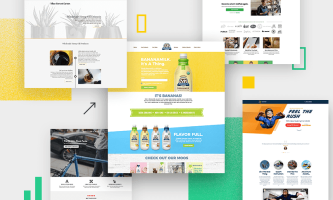
Successful Saas Landing Page Examples
Are you looking for SaaS landing page examples to inspire your website design? If so, then this blog post is for you! We’ll be taking a look at some of the best SaaS landing pages from around the web and breaking down what makes them successful. We’ll also discuss how to use these examples to inform your own SaaS web design. So if you're ready to learn more about SaaS landing pages, read on! What Is Saas Web Design Before we start looking at SaaS landing page examples, let’s quickly discuss what SaaS web design is. SaaS stands for “Software as a Service” and refers to software that is hosted by a third-party provider. This model allows businesses to use the software without having to purchase it outright or manage their server infrastructure. SaaS web design focuses on creating an attractive and user-friendly experience for SaaS customers. SaaS landing pages, in particular, are designed to capture customer interest and encourage them to sign up for the product or service. Check out this website for more information on this. Why Is It Important To Have A Saas Landing Page Regarding SaaS web design, landing pages are one of the most important elements. A SaaS landing page should be designed with the customer’s needs in mind. It should clearly explain the benefits of your product or service and encourage customers to take action. Having a well-designed SaaS landing page can also help to increase conversions and boost revenue. How To Create An Effective SaaS Landing Page Now that we’ve discussed SaaS web design in general, let’s look at some successful SaaS landing page examples. Here are some tips to keep in mind when creating your own SaaS landing page: Keep it simple: Your SaaS landing page should be easy to understand and navigate. Avoid using complex language or visuals that could confuse or overwhelm customers. Make it engaging: Use high-quality images, videos, or animations on your SaaS landing page to make it more visually appealing and Use clear CTAs: Place prominent and clearly labeled calls-to-action on your SaaS landing page. This will help customers understand what action you want them to take. Include customer testimonials: Customer testimonials are an effective way to build trust in your product or service. Including them on your SaaS landing page can help to convince customers that your product or service is worth signing up for. Use A/B testing: A/B testing allows you to compare two different versions of the same SaaS landing page to see which one performs. This can help you optimize your SaaS web design and get the most out of your landing page. Overall, a successful SaaS landing page should be engaging, informative, and easy to use. By keeping these tips in mind and taking inspiration from successful SaaS landing page examples, you can create an effective web design for your product or service. Successful SaaS Landing Page Examples Now that we’ve discussed the basics of SaaS web design and some tips for creating an effective SaaS landing page, let’s look at some real-world examples. Here are five successful SaaS landing page examples: Slack: Slack’s landing page is simple and engaging, with a clear CTA and plenty of customer testimonials. The page also includes an animated video that explains the features of their product in an easy-to-understand way. Trello: It keeps its SaaS landing page design clean and simple. The page includes a prominent CTA, customer testimonials, and an animated video that demonstrates the features of their product. Zoom: Zoom’s SaaS landing page is designed with a clear focus on the CTA. It also has plenty of customer reviews and visuals to make it more engaging. Asana: Asana’s SaaS landing page focused on customer stories and offered a free trial to entice customers to sign up. The page also includes plenty of visuals and videos to demonstrate the features of their product. Dropbox: Dropbox keeps its SaaS landing page design simple. The page includes customer testimonials, videos, and a clear CTA to encourage customers to sign up. By taking inspiration from these successful SaaS landing page examples, you can create an attractive and user-friendly experience for your customers. Keep in mind the tips mentioned earlier and remember that A/B testing is an important method for optimizing your SaaS web design. Read Also: Why Use Automated Webinar Software For Your Business Best Practices For Creating A High-Converting SaaS Landing Page Creating an effective SaaS landing page can be a challenging task. But with the right strategy and design, you can create a web page that will help you reach your goals and increase conversions. Here are some best practices to keep in mind when creating a high-converting SaaS landing page: Optimize for mobile: Make sure your SaaS landing page is optimized for mobile so that it looks great on any device. Include customer stories: Including customer reviews and success stories on your SaaS landing page can help to build trust and convince customers to sign up. Include visuals: Use high-quality images, videos, or animations to make your SaaS landing page more engaging. Focus on CTA: Place your call-to-action prominently so that it’s easy to find and understand. Test different designs: Don’t be afraid to experiment with different design elements and use A/B testing to optimize your SaaS web design. By following these best practices, you can create an effective SaaS landing page that will help you convert more visitors into customers. Remember to take inspiration from successful SaaS landing page examples and use A/B testing to optimize your design for the best possible results. Conclusion Creating a successful SaaS landing page can be a difficult task. But by following the tips discussed here, you can create an attractive and user-friendly web design that will help you increase conversions. Take inspiration from successful SaaS landing page examples, optimize for mobile, include customer stories and visuals, focus on CTA, and don’t forget to use A/B testing for the best results. Good luck! Read Also: What Is Network Marketing And How To Do It Why Create A Powerful Business Continuity Plan? How To Start A Business In 2021 – Best Business Strategies
Jan 30, 2023